Watching IPTV on Android: Phones, Tablets and TV Boxes
Android is arguably the most flexible platform for IPTV, since the same basic setup carries across a phone in your pocket, a tablet on the sofa, or a dedicated box connected to the main TV.
Phones and Tablets
Install a recommended player app from the Google Play Store, sign in with your TVSphere details, and you're ready. Most apps support picture-in-picture, useful for keeping a match running in a small window while you do something else on the same device. Wi-Fi is preferable for 4K to avoid eating into a mobile data allowance.
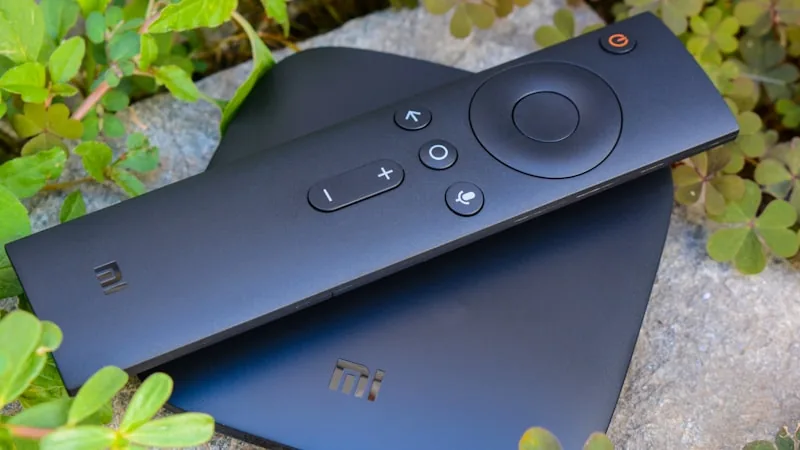
Dedicated Android TV Boxes
Boxes that run full Android (rather than a stripped-down streaming OS) tend to handle large channel lists and 4K playback more comfortably than lighter alternatives, since they have the full operating system's resources behind them. Setup mirrors a phone almost exactly: install from the Play Store, or sideload if it isn't listed there, then log in.
Picking a Player App
There's no single "best" app that stays best forever, apps get updated, delisted, or replaced over time. Rather than guess, ask support which one is currently working most reliably for Android before installing anything, along with the exact login format it expects.
A Few Habits That Help Performance
Close other apps running in the background before you start streaming, especially on older or budget devices with limited memory. If you're using a TV box, a wired ethernet adapter gives noticeably more stable playback than Wi-Fi, particularly at 4K. Keeping the player app updated also matters, updates frequently fix buffering and loading issues from earlier versions.
Using It on More Than One Android Device
Each subscription covers one active stream by default. If you want a phone and a TV box running at the same time, mention it before subscribing so an extra connection can be added properly rather than trying to share a single login across devices.
Ready to get set up? Check our pricing plans or browse the FAQ for more device-specific questions.